e-ComGen Design logo e-ComGen Design
SVG Pack
★ Free pack

Free 40 MacBook Folder SVG Icons for Designers - Modern & Flat

Get 40 free MacBook folder SVG icons for your design projects. Perfect for Figma, enhance your workspace with modern UI tools.

40 unique icons
4 color variants
160 SVG files
Commercial license
✓ Free download · ✓ Email captured at Gumroad checkout · ✓ Commercial license
Free 40 MacBook Folder SVG Icons for Designers - Modern & Flat — preview cover with sample icons

MacBook’s default folder icons often make file management feel like a guessing game. This pack eliminates that issue with 40 distinct icons that transform your desktop into a clear, efficient workspace. Geometric design and vector precision make each folder easily identifiable, preventing digital disarray. Improve workflow and navigate your desktop with icons that fit your professional demands.

A cluttered desktop is a barrier to productivity. Our icons resolve this by introducing intuitive visual markers for your files. Visual clarity means spotting essential documents instantly, cutting time spent on unnecessary searches. With icons for creative asset libraries to version control history, your work becomes more focused and less cluttered.

Flat icons are essential elements in modern design workflows. This set enhances usability beyond mere aesthetics. By reducing visual noise, these icons streamline navigation and retrieval. Their rounded stroke design integrates with both corporate and creative projects, ensuring a uniform and professional appearance across your desktop and applications.

Personalizing your workspace boosts productivity. The editable variant allows you to adapt these icons to meet specific branding requirements using tools like Illustrator. Transform your desktop into a modern design hub with navy orange accents that enhance your digital interface, reflecting your distinct style and improving your workflow.


Who this pack is for

UI/UX designers

Folders in Figma often appear identical, making file management a chore. These icons provide visual clarity, letting you spot the right folder instantly, without extra clicks or guesswork.

Developers managing projects

Multiple projects crowd the desktop, killing focus. Our icons streamline your workflow by allowing quick identification and access to your codebases and asset folders in Finder, reducing disruption.

Creative directors

A disorganized desktop breaks creative flow. These icons let you categorize projects visually, maintaining focus and consistency to deliver your next big idea efficiently, without needless friction.


Digital artists

Switching projects often means misplacing files. Our icons enable visual sorting and color-coding of your folders, ensuring your tools and assets are always where you expect them to be.

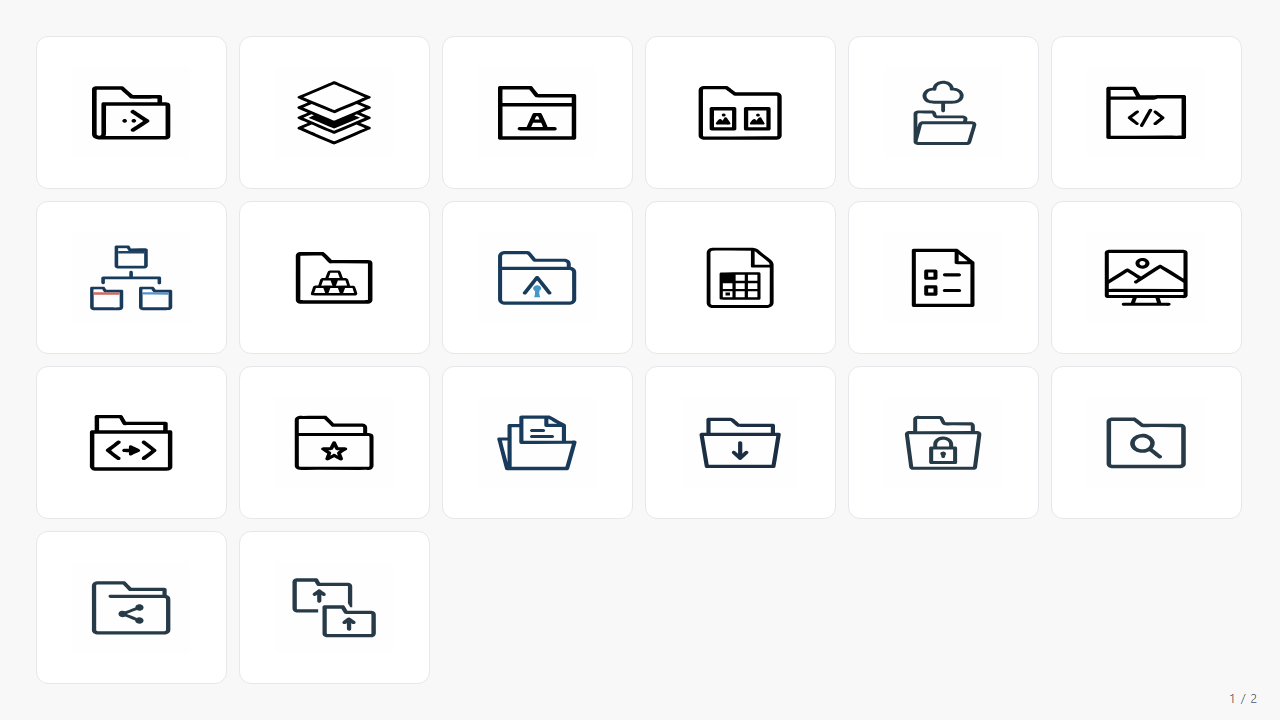
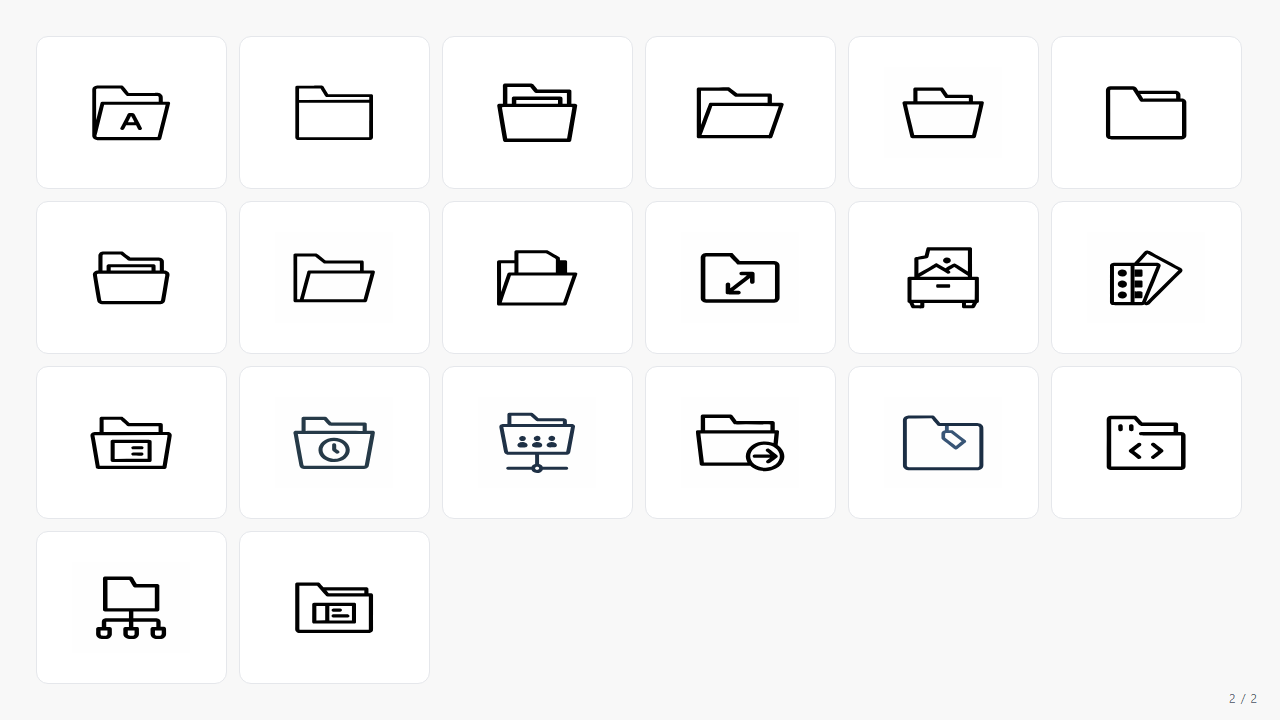
All 40 icons

PNG previews shown. The actual SVG vectors come with the pack.

Animation Assets Collection SVG icon — ui Animation Assets Collection
App Icon Stack SVG icon — ui App Icon Stack
Archive Folder Icon SVG icon — ui Archive Folder Icon
Branding Guidelines Folder SVG icon — ui Branding Guidelines Folder
Cloud Storage Connection SVG icon — ui Cloud Storage Connection
Code Snippet Organizer SVG icon — ui Code Snippet Organizer
Color Coded Folder System SVG icon — ui Color Coded Folder System
Creative Asset Library SVG icon — ui Creative Asset Library
Custom Folder Artwork SVG icon — ui Custom Folder Artwork
Design Project Template SVG icon — ui Design Project Template
Design System Guidelines SVG icon — ui Design System Guidelines
Desktop Wallpaper Preview SVG icon — ui Desktop Wallpaper Preview
Developer Workflow Diagram SVG icon — ui Developer Workflow Diagram
Favorite Folder Star SVG icon — ui Favorite Folder Star
File Version History SVG icon — ui File Version History
Folder With Download Icon SVG icon — ui Folder With Download Icon
Folder With Lock Icon SVG icon — ui Folder With Lock Icon
Folder With Search Icon SVG icon — ui Folder With Search Icon
Folder With Share Icon SVG icon — ui Folder With Share Icon
Folder With Upload Icon SVG icon — ui Folder With Upload Icon
Font Manager Interface SVG icon — ui Font Manager Interface
Generic Folder 1 SVG icon — ui Generic Folder 1
Generic Folder 10 SVG icon — ui Generic Folder 10
Generic Folder 2 SVG icon — ui Generic Folder 2
Generic Folder 3 SVG icon — ui Generic Folder 3
Generic Folder 4 SVG icon — ui Generic Folder 4
Generic Folder 5 SVG icon — ui Generic Folder 5
Generic Folder 6 SVG icon — ui Generic Folder 6
Generic Folder 9 SVG icon — ui Generic Folder 9
Graphics Export Settings SVG icon — ui Graphics Export Settings
Image Assets Vault SVG icon — ui Image Assets Vault
Macos Color Palette SVG icon — ui Macos Color Palette
Mockup Showcase Folder SVG icon — ui Mockup Showcase Folder
Recently Used Files SVG icon — ui Recently Used Files
Shared Folder Indicator SVG icon — ui Shared Folder Indicator
Shortcut Arrow Badge SVG icon — ui Shortcut Arrow Badge
Tagged File Label SVG icon — ui Tagged File Label
Ui Component Repository SVG icon — ui Ui Component Repository
Version Control History SVG icon — ui Version Control History
Wireframe Sketches SVG icon — ui Wireframe Sketches
Want it all?

Grab all 40 icons + variants free from Gumroad (email required).

Get it free

4 color variants

Same shapes, four palettes. The editable variant uses CSS currentColor — recolor with one CSS rule.

mono-black variant preview
mono-black

Classic choice that provides a professional look, matching any desktop theme or color scheme.

mono-navy variant preview
mono-navy

Opt for this when a subtle color accent is needed, maintaining professionalism and style.

mono-grey variant preview
mono-grey

Use for an understated look that blends with various styles, providing a neutral, cohesive appearance.

editable variant preview
editable

Best for custom branding, allowing color adjustments to fit specific project needs using design tools.

How the editable variant works (1-line CSS)
<style>
  .icon { color: #1A2332; width: 24px; height: 24px; }
  .icon:hover { color: #F4842F; }
</style>
<img src="04-editable/animation-assets-collection.svg" class="icon" />

Standout icons in this pack

A handful that we keep using ourselves.

animation-assets-collection
animation assets collection

Stands out for animation tasks. Its design helps you quickly identify it in cluttered views.

app-icon-stack
app icon stack

Organize app design files with this. The stack visually represents layers, making it intuitive.

branding-guidelines-folder
branding guidelines folder

Essential for branding assets. Visually distinct to prevent misplacement of crucial guidelines.

cloud-storage-connection
cloud storage connection

Great for cloud folders. Its design simplifies quick access to connected services.

code-snippet-organizer
code snippet organizer

Manage code snippets effectively. Its clean design makes it easily identifiable amidst other icons.

favorite-folder-star
favorite folder star

Use for priority folders. The star icon is a clear marker for important files.

wireframe-sketches
wireframe sketches

For wireframe project folders. The minimal design fits well with UI/UX workflows.

Where it shines

Organizing design systems in Notion

Use the design-system-guidelines icon to label your design systems. At 128x128px, it integrates with Notion's UI, streamlining your workspace to look organized and professional.

Tracking code snippets in VSCode

For coding projects, drop the code-snippet-organizer icon into a 16x16 grid in VSCode. It provides a clear visual cue amidst the clutter of generic icons, improving your efficiency.

Branding guideline folders in Illustrator

Assign the branding-guidelines-folder icon to label Illustrator files containing brand assets. Its distinct look helps quickly identify critical guidelines, keeping branding consistent and accessible.

Storing animation assets in After Effects

Set the animation-assets-collection icon for your After Effects resources folder. It allows fast file location, improving workflow efficiency by removing the guesswork from finding project elements.

The full inventory

Every icon at a glance. Click for full size.

Get the full pack — free

All 40 icons · 160 SVG files · commercial license · download from Gumroad with one email

✓ No payment · ✓ Email at checkout · ✓ Use in commercial products

Frequently asked

What license applies to these icons? +
Unlimited use in personal and commercial projects. No attribution is required.
In what formats are the icons available? +
All icons come in SVG format, suitable for web, print, and app integration.
How many icons are included in the pack? +
The pack includes 40 unique icons, each with four color variants, totaling 160 files.
Are these icons compatible with Adobe XD? +
Yes, they integrate with Adobe XD, as well as Figma, Sketch, and other design tools.
Can these icons be recolored? +
Yes, the editable variant allows customization to fit your projects.
Will there be updates to the icon pack? +
Yes, buyers receive updates without additional costs.
Do I need to give credit when using these icons? +
No credit is necessary. Use them freely across your projects.
Do these icons support dark mode? +
Yes, the mono-navy and mono-grey variants work well with dark mode interfaces.